A short, opinionated kit of no-cost tools for measuring a site, securing it, and sourcing media — with honest notes on what each one is good for and where its limits are.
You don’t need a paid stack to run a fast, secure, well-presented website. A handful of free tools cover the essentials: measuring performance, checking your security configuration, obtaining a certificate, and creating or sourcing images. Below is a working kit grouped by job, with the caveats that keep you from over-trusting any single score.
Get a number before you change anything. Every later step is judged against this one.
A broken chain is invisible in a browser that already trusts it. Test from outside your own machine.
Free, and automated. The renewal matters more than the issue — an expired cert is a total outage.
Where the page weight actually is. Compress and size them before upload, not with a plugin after.
Skipping step one is why performance work so often cannot be shown to have worked.
Table of Contents
Measuring performance
PageSpeed Insights grades a page on real-world and lab metrics and, more usefully, lists specific opportunities — unused code, oversized images, render-blocking resources. Treat the number as a compass, not a grade to chase: a handful of the top opportunities usually matter far more than the last few points.
GTmetrix complements it with a waterfall view of exactly what loads, in what order, and how long each resource takes. When PageSpeed says “reduce load time” but not clearly why, the waterfall shows you the slow request. Test from a location close to your real audience, since distance affects the timing.
Use both, and always measure the same page twice — once as your baseline, once after a change — so you can attribute improvements rather than guess at them.
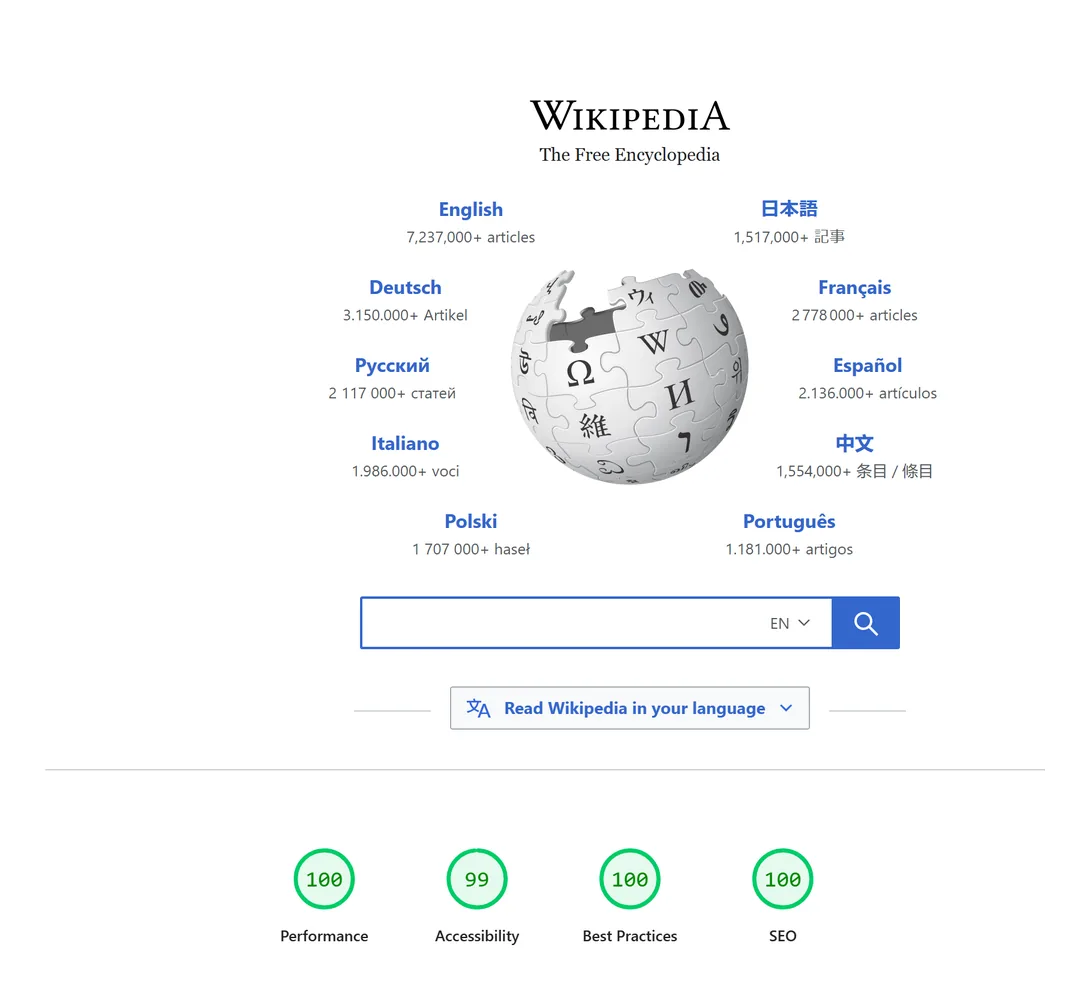
Treat the score as a compass, not a grade to chase.
Checking your security configuration
An SSL/TLS testing service (the Qualys SSL Labs test is the long-standing standard) inspects far more than “is there a certificate.” It reports the protocol versions your server accepts, the certificate chain, and any weak ciphers, then grades the overall configuration. It’s the difference between “HTTPS works” and “HTTPS is configured well.” Run it after any change to your certificate or server, because a misconfiguration can quietly weaken an otherwise-valid setup.
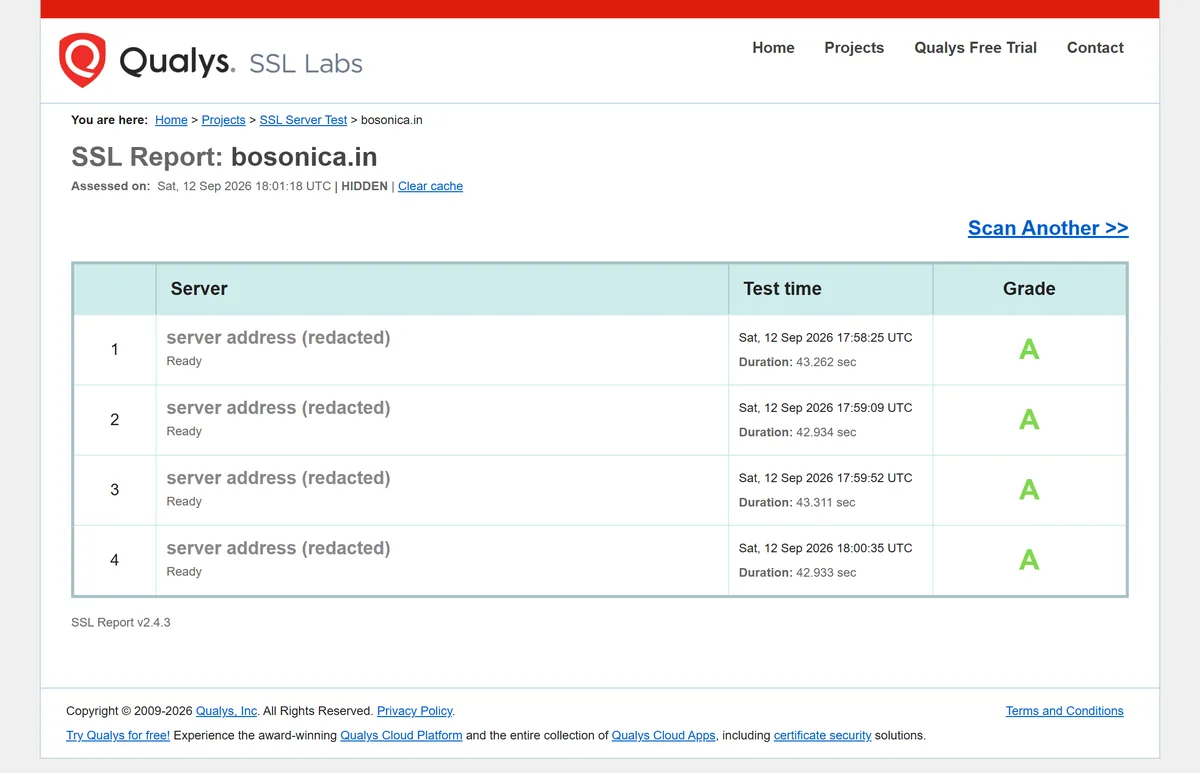
HTTPS working and HTTPS configured well are not the same thing.
Getting an HTTPS certificate for free
HTTPS is no longer optional — browsers flag plain-HTTP sites, and the modern HTTP protocols (HTTP/2 and HTTP/3) require it. Many hosts now issue and renew certificates automatically at no cost. If yours doesn’t, a free certificate tool (such as Let’s Encrypt via Certbot) can obtain and auto-renew a trusted certificate for your domain. The renewal automation is the important part: a certificate that lapses takes the padlock — and visitor trust — with it, so set it to renew on a schedule rather than by hand.
A certificate that lapses takes the padlock, and visitor trust, with it.
Creating and sourcing images
A free online design tool (of the Adobe Express family) handles the everyday graphics work that used to need desktop software: social cards, simple banners, resizing an image to the right aspect ratio, light edits. It won’t replace a professional designer for brand work, but for consistent, tidy in-article visuals it’s more than enough — and consistency matters more than polish for most content.
A free stock-image library (such as Pixabay) provides photos and illustrations offered for commercial use without a fee. This is the one area to slow down: “free” and “safe to publish” are not the same thing. Always confirm the license on the specific image — some require attribution, some restrict certain uses, and terms change over time. Keep a note of where each image came from and its license, so that if a claim ever arises you can show provenance in one step. Sourcing license-clear images is exactly the kind of task where a moment of diligence prevents an expensive surprise.

Free is not the same thing as safe to publish.
Two companion guides go deeper here: how to find and create website images covers sourcing and making visuals without a stock budget, and if you publish through WordPress, check that your uploads actually receive their responsive image sizes — a missing size ladder is a common, silent cause of oversized images on the page, which lands you right back in the performance section above.
How the kit fits together
A practical loop: measure with PageSpeed Insights and GTmetrix to find the real bottlenecks, verify the connection with an SSL/TLS test, keep HTTPS alive with an auto-renewing certificate, and produce or source visuals with a design tool plus a properly-licensed image library. None of it costs anything; all of it is worth doing before you reach for paid alternatives, because most sites never need to.
Frequently Asked Questions
Which free tool should I use to test site speed?
Use two together. PageSpeed Insights gives you a score and a prioritized list of opportunities, while GTmetrix’s waterfall view shows exactly which resource is slow and why. The score tells you whether to act; the waterfall tells you where.
Can I really get an HTTPS certificate for free?
Yes. Many hosts issue and renew certificates automatically at no cost, and where they don’t, a free certificate tool can obtain and auto-renew one for your domain. The key is automated renewal — a lapsed certificate breaks the padlock and the secure connection.
Are free stock images safe to use commercially?
Often, but never assume it. Verify the license on the specific image rather than trusting the site’s general “free” label — some images need attribution or restrict certain uses, and terms can change. Record where each image came from and its license so you can prove provenance later.
Do I need paid tools for a professional site?
Usually not to start. Free tools cover measurement, security checks, certificates, and everyday media well enough for most sites. Reach for paid options only when you hit a specific limit the free kit can’t clear — not by default.

