The techniques we use to produce clean, conceptual, text-free illustrations – shown with one real course rendered five different ways, each next to the exact prompt.
Table of Contents
Change one decision at a time
The fastest way to learn what a prompt actually controls is to hold the subject fixed and vary a single decision. We took one real course from our catalog – The Art of Stir-Frying – and generated a hero for it five ways: the same wok, five different prompts. Reading them side by side shows exactly which words move which part of the image.
The point is not that one output is “correct.” It is that palette, treatment, and level of realism are all choices you make in the prompt, and isolating them one at a time is how you build a prompt you can rely on.
Hold the subject fixed and change one prompt decision at a time – that is how you learn what each word controls.
Photographic or illustrated: pick before you prompt
The first decision is whether the subject is tangible. A wok on a flame is a real, photographable thing, so a photographic treatment reads as honest and appetizing:
Editorial food photograph of stir-frying in action: a well-seasoned carbon-steel wok
mid-toss over a high blue gas flame, colorful vegetables - bok choy, red pepper strips,
snow peas, shiitake mushrooms - caught in mid-air with light wisps of steam. Rustic home
kitchen softly blurred behind, small prep bowls of ginger and chili in the foreground.
Warm appetizing light, shallow depth of field, cinematic editorial composition.
16:9 widescreen landscape, high resolution. No text, letters, numbers, logos, or
watermarks anywhere.Code language: JavaScript (javascript)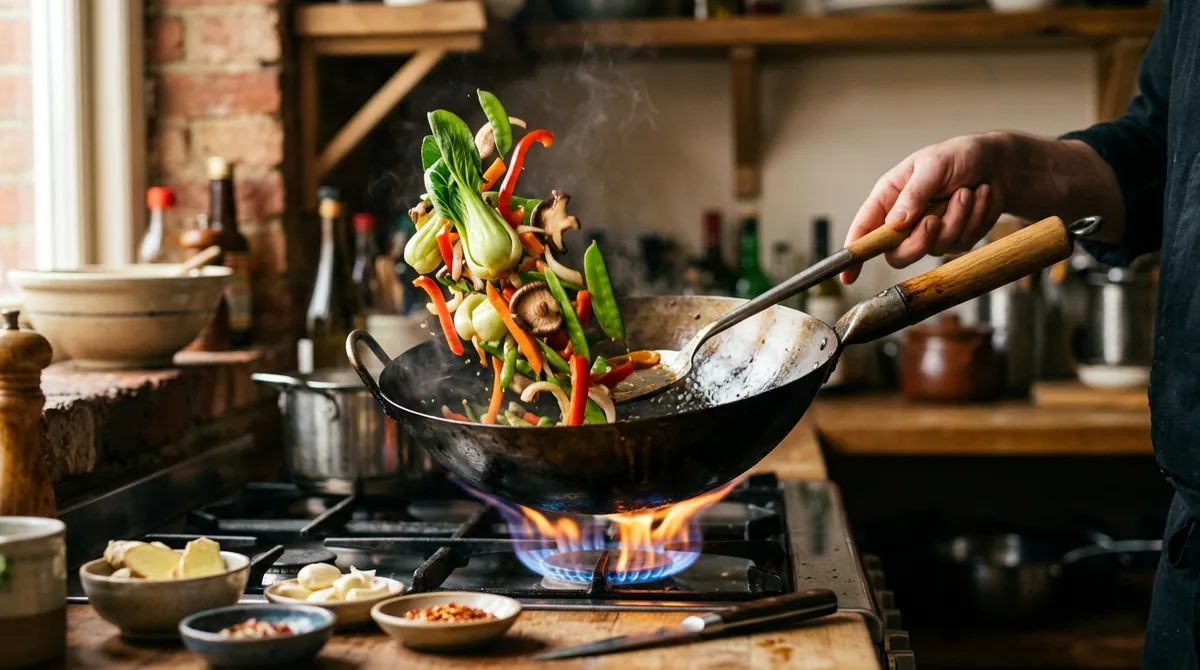
It is convincing – but look at the hand. Photoreal prompts pull in people, and hands and faces are where models still betray themselves under scrutiny. For an abstract subject, or when you want to avoid that risk entirely, switch to a clean illustration instead. Forcing photorealism onto something that cannot be photographed is exactly where AI images turn uncanny.
Isolate the palette
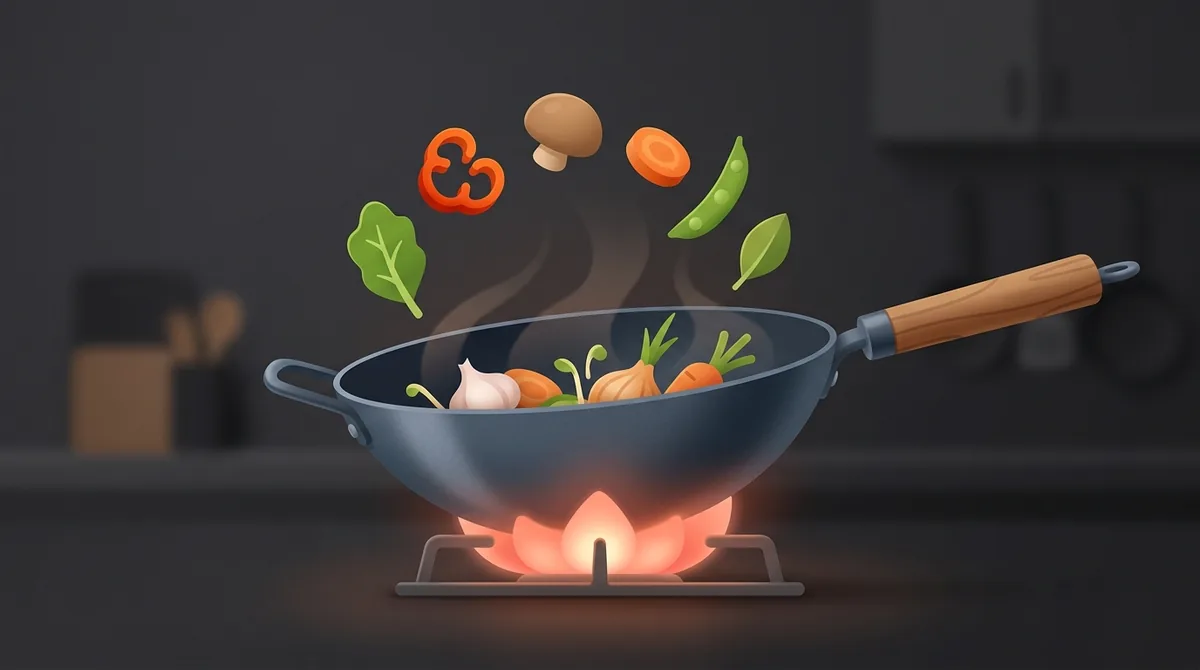
Once the treatment is chosen, you can move a single dimension and watch only that dimension change. Here is the same conceptual wok twice, where the only edit between the two prompts is the color clause:
Clean conceptual flat-3D illustration of stir-frying. A stylized carbon-steel wok sits
centered with a soft rounded flame beneath it, and a few simplified vegetable shapes - a
green leaf, a red pepper curl, a round mushroom - arc gently above the rim as if tossed
in the air. [PALETTE] ... dark neutral background, modern flat-3D aesthetic with soft
depth and gentle shadow. 16:9 widescreen landscape, high resolution. No text, letters,
numbers, logos, or watermarks anywhere.Code language: JavaScript (javascript)
Warm — Warm amber, terracotta and ember-orange palette with a single bright highlight on the flame:
Cool — Cool teal, slate-blue and mint palette with a single warm amber accent on the flame:
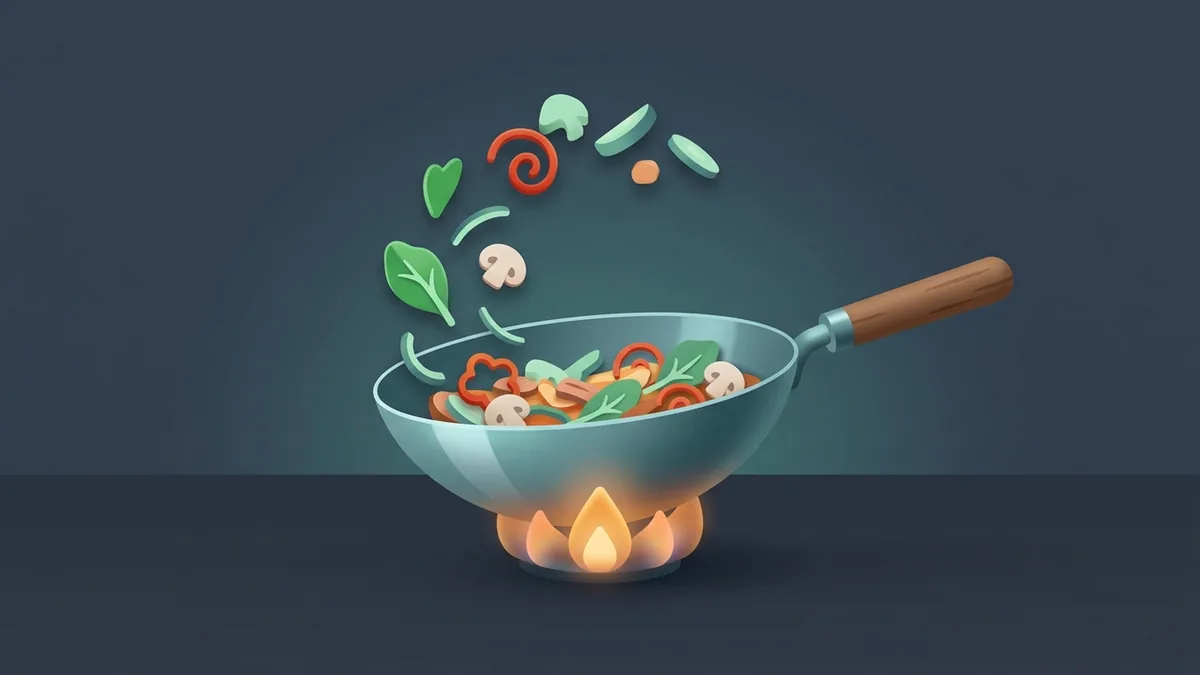
Same composition, same lighting logic, completely different mood – driven by one clause. That is the payoff of changing one decision at a time: the effect of a single instruction is unambiguous.
When only the palette clause changes, only the palette changes – that is a prompt you can trust.
Know when to stop adding
More detail is not always better. Stripping the same subject down to a single silhouette and one accent produces a calm, confident image that carries a section break without shouting:
Minimal iconographic illustration of a wok. A single clean wok silhouette with a short
handle, centered in generous empty negative space, one warm ember-orange accent glowing
at its base to mark the heat. Muted neutral off-dark background, flat vector-like
simplicity, calm and uncluttered, lots of breathing room. 16:9 widescreen landscape,
high resolution. No text, letters, numbers, logos, or watermarks anywhere.Code language: JavaScript (javascript)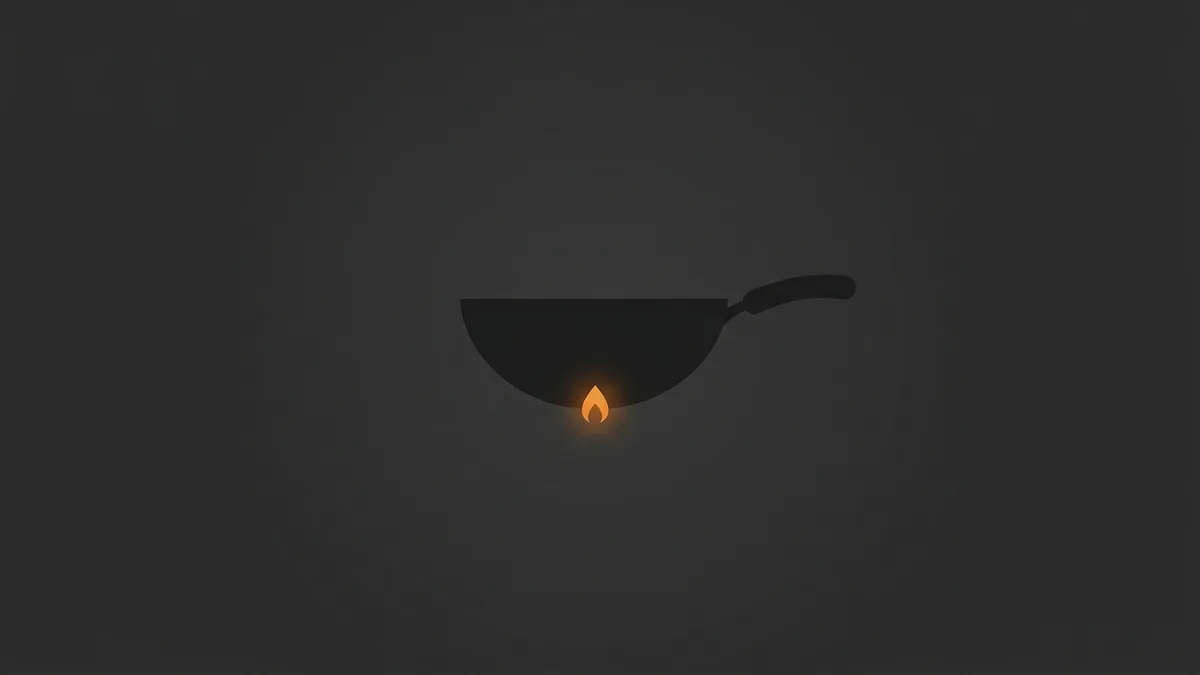
Ban text – do not trust it
Every one of the prompts above ends with the same hard constraint. We append it to every generation:
No text, letters, numbers, logos, readable UI, faces, hands, or watermarks anywhere.To show why, we deliberately removed that ban and asked for the opposite – a literal course-player interface “with lots of labels and readable text everywhere.” Modern models are good enough that it looks plausible at a glance:
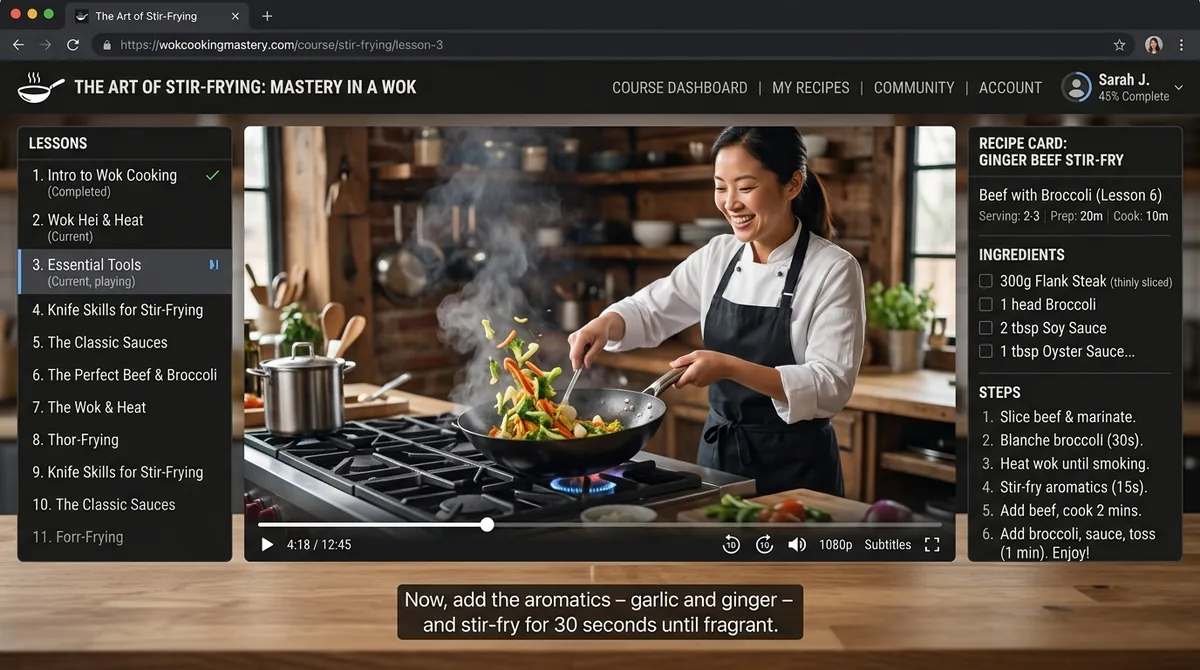
Then you read it. The lesson list includes “Thor-Frying” and “Forr-Frying,” several menu items are duplicated, and the model invented a presenter’s face and a brand that does not exist. Text rendering has improved, but it has not become trustworthy – and a single wrong glyph in a published hero is worse than no text at all. So we never rely on the model getting letters right; we forbid them and let form, light, and color carry the meaning.
A model good enough to fool a glance is still not good enough to trust with a single letter.
Leave data to data tools
There is one job an image model must never do: draw a measurement. Ask it for a bar chart comparing two numbers and it will invent proportions to suit the composition. For any figure built on real values, we author a data-driven SVG from the actual measurements instead. AI is excellent for editorial tone and conceptual framing; it is disqualified from anything a reader might mistake for a fact.
Never use an image generation model to produce data charts or performance graphs.
Quotas and generation limits
Working through a batch, you will hit a rate limit – we generated roughly ten images in one recent session before pausing on a quota. That prompts a common question: will a smaller image let me make more? Almost always, no. Services meter usage by the number of requests in a time window, not by output resolution, so shrinking the pixels does not stretch a fixed request quota. Plan the batch around the request count, not the file size.
The short version
For professional editorial illustration, guide the model toward a deliberate treatment, change one decision at a time so you learn what each instruction controls, and forbid text, faces, and hands rather than hoping the model renders them well. Choose photographic for tangible subjects and illustration for abstract ones – and never let an image model near real data. Every example here is a real, unretouched output shown beside its exact prompt.
Frequently Asked Questions
Should I use a photographic or an illustrated AI image?
Match the treatment to the subject. If the thing is real and photographable – food, a desk, a room – a photographic prompt reads as honest. If it is abstract – a protocol, a workflow, a comparison – use a clean illustration, because forcing photorealism onto an abstraction is where AI images look uncanny.
Why do you ban text in AI image prompts?
Because models render language as visual pattern, not meaning, so letters come out garbled or duplicated. Even when a result looks plausible, it often hides invented words – our own test produced lesson titles like “Thor-Frying.” One wrong glyph in a published image is worse than none, so we forbid text outright.
How do you keep a consistent visual style across images?
Standardize the treatment, not the color. We fix the aspect ratio, the framing, and the “flat-3D, soft shadow” aesthetic in every prompt, then let each image take a palette that fits its own topic. The warm and cool wok illustrations above share one treatment and differ only by their color clause.
Can I use AI to generate charts or graphs?
No. Image generators hallucinate proportions, scales, and data points to make a picture look balanced. If you need to present facts, use a charting library or author an SVG from exact, measured values – never a generated picture of a chart.
Will a smaller image let me generate more within a quota?
Usually not. Most services count requests within a time window rather than pixels, so reducing the resolution does not bypass a fixed request limit. Size your batch by the number of images you need, not by their dimensions.

